For gate, door, camera and access control installers
Install it once. Know it works.
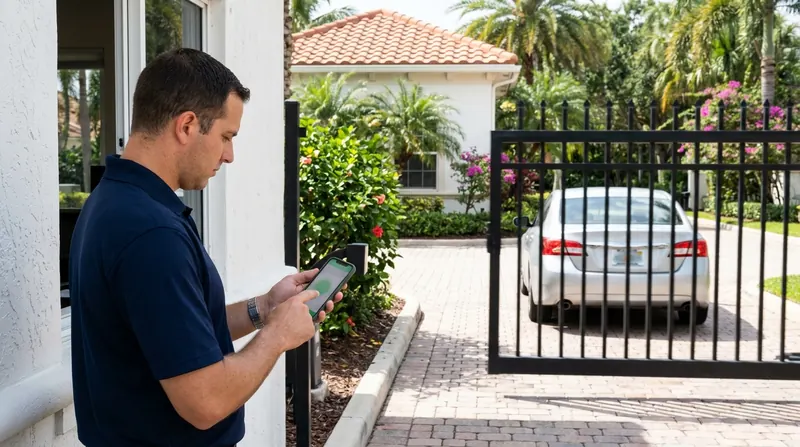
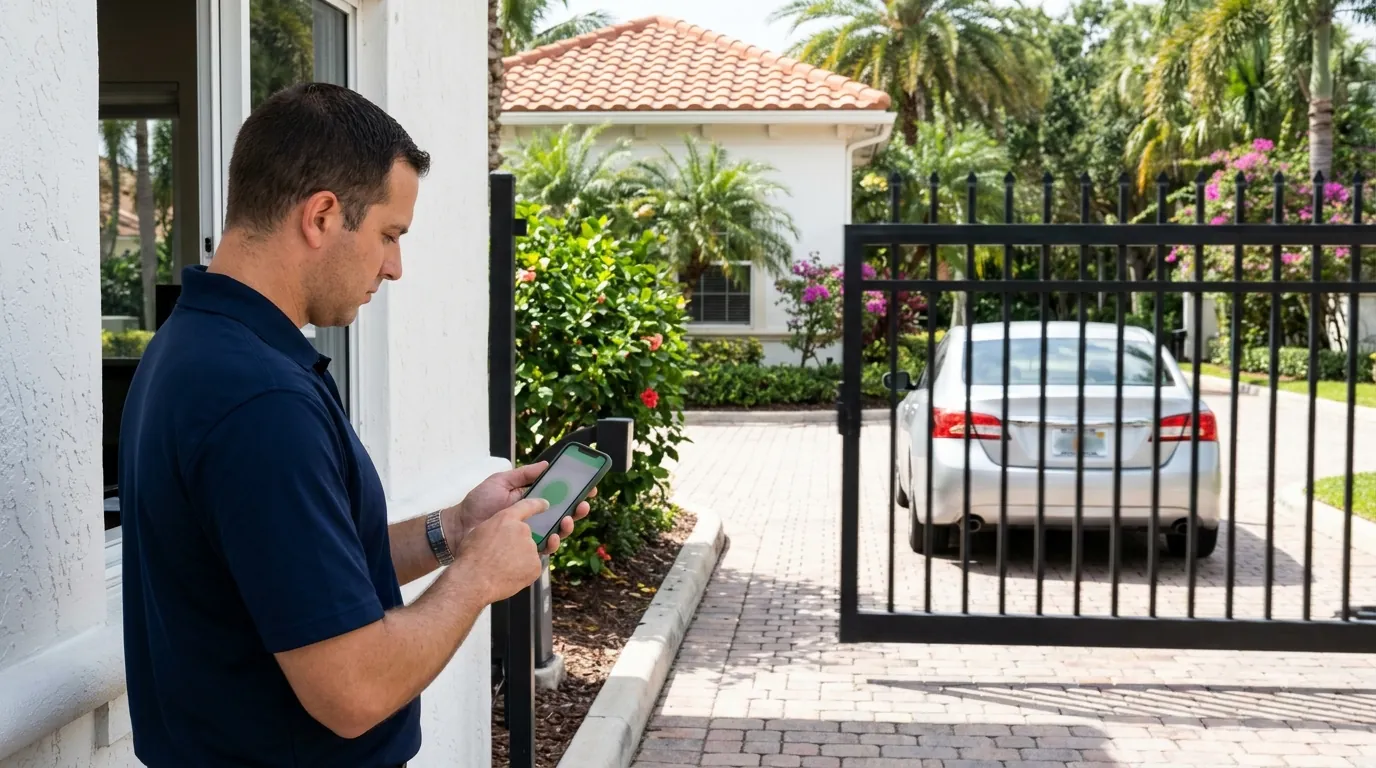
When we book you for a visit, you see the site, the job and who to ask for. You test every part against the live system, wire the gate to open from the guard's phone, and leave with a signed-off report.
Your own sign-in · Wiring guide and AI help · English, Español, Français
Vizipas
✓
Gate relay: works
Main gate opened from the app
Install visit · 6 of 7 checks done
Your own sign-inYour own account, on any phone
Tested on the live systemBefore you leave the site
A signed-off reportEmailed to the client and to us
Three languagesEnglish · Español · Français
How it works
From booked visit to signed-off install
1
We book the visit
An install or a maintenance visit: the site, the date and time, the reason, the work, the address and who to ask for. It arrives by email and in your visits list.
2
You test every part
Internet at the gate, card and code readers, the scanner, the camera, the badge printer and the gate relay. Each is marked works, doesn't work or not needed.
3
You sign off
Finish sends the results to the client and to us, and the visit closes. Nobody has to guess whether the gate really works.
What it works with
If it has an open input, Vizipas can open it
A Shelly relay closes a dry contact for a moment, exactly like pressing the existing remote or keypad. It is wired in parallel, so everything already there keeps working.
Swing and slide gate operators
24 V AC operators, with a Shelly Plus Uni
Barrier arms and turnstiles
Call boxes and telephone entry
Garage door openers (newer encrypted ones with an adapter)
Electric strikes and bolts
Magnetic locks, through the power supply's release input
Already have a controller with a web link? Vizipas can call it instead, signed and over HTTPS.
Shelly in parallel with the keypad on the operator's OPEN and COM. The safety devices are never touched.
Safety first: the relay goes on the open input only. Photo-eyes, safety edges, loops, fire release and free exit are never bypassed.
Everything at your fingertips
Everything you need on site, in your pocket
Searchable wiring guide
Type a brand or a model and open its notes and diagram: gate operators, barriers, call boxes, garage openers, strikes and maglocks.
AI help for each brand
Ask about a brand and model. It looks up the manual and answers in your language, with its sources.
Set up and press the relay
Add the site's Shelly or web link, press it from the visit, and watch the gate open.
Install or maintenance
Each visit says why you are there, and the report says so too.
Take a relay out, with a reason
Defective, or doesn't suit the client's equipment? Remove it during the visit; the client sees why.
Only what you need
The site, the job and the on-site contact. Never residents' names or details.
Training built in
How Vizipas works, the hardware that works today, and the steps of a visit.
Phone or laptop
It runs in the browser. Nothing to install, and it works on the device you already carry.
In your language
Screens, emails and the AI's answers in English, Spanish or French.
FAQ
How do I join?
Message us with your company, the area you cover and what you install: gates, doors, cameras or intercoms. We check your company and send you an invite to create your account.
Which relay should I use?
A Shelly 1 Gen4 where there is 12 V DC, 24 to 48 V DC or 110 to 240 V AC, and a Shelly Plus Uni where there is only 24 V AC. A controller with its own web link can be used instead.
Does the client need a Shelly account?
No. The relay can use the client's own Shelly account or ours. You enter the device ID, and the client's key if they have one.
What do I see about the residents?
Nothing. You see the site, the visit and the on-site contact. A test code shows whether the site knows it, never whose it is.
What if a part doesn't work?
Mark it as doesn't work, with a note; it goes in the report. A relay that is defective or doesn't suit the client's equipment can be taken out during the visit, with a reason.
Is it in my language?
Yes: English, Spanish and French, for the screens, the emails and the AI's answers.